
How It Works
From approved routes to organized fleet information
An AxleSight deployment is built collaboratively with the fleet operator, inside clearly defined private-yard boundaries, with authorized personnel in control throughout.
The workflow
Five stages, defined together
Each stage is shaped around the site's own conditions, asset types and review routines.
- 1
Define the operating area
AxleSight works with the fleet operator to understand approved routes, operational zones and site procedures.
- 2
Configure the deployment
The platform is configured around the site's relevant asset types and review workflows.
- 3
Conduct repeatable patrols
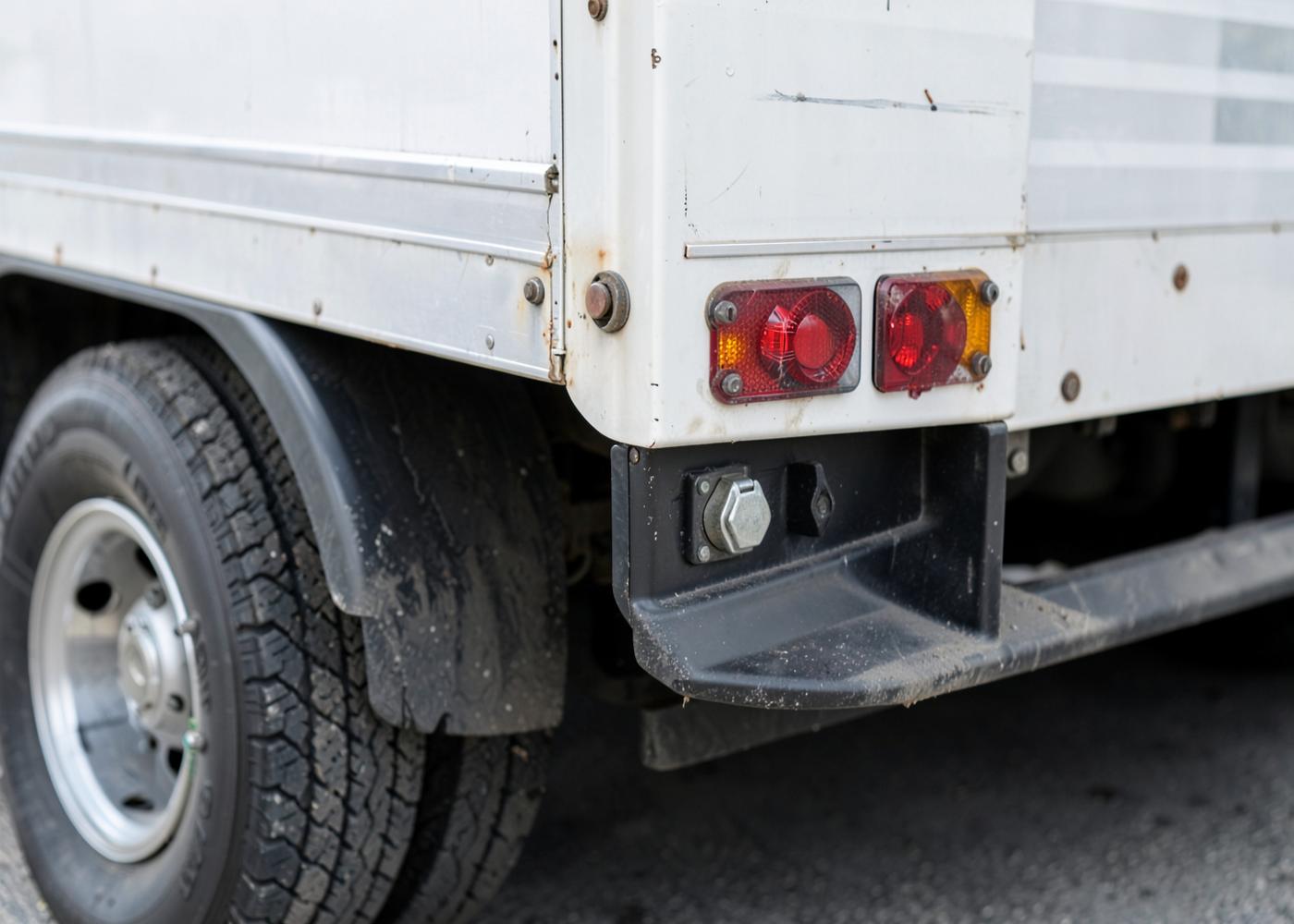
AS-1 observes parked fleet assets while operating within its approved environment.
- 4
Review exceptions
Findings, imagery and asset history are organized for authorized fleet personnel.
- 5
Improve the workflow
Fleet teams use the resulting information to support inspection, maintenance, documentation and yard operations.
Human oversight
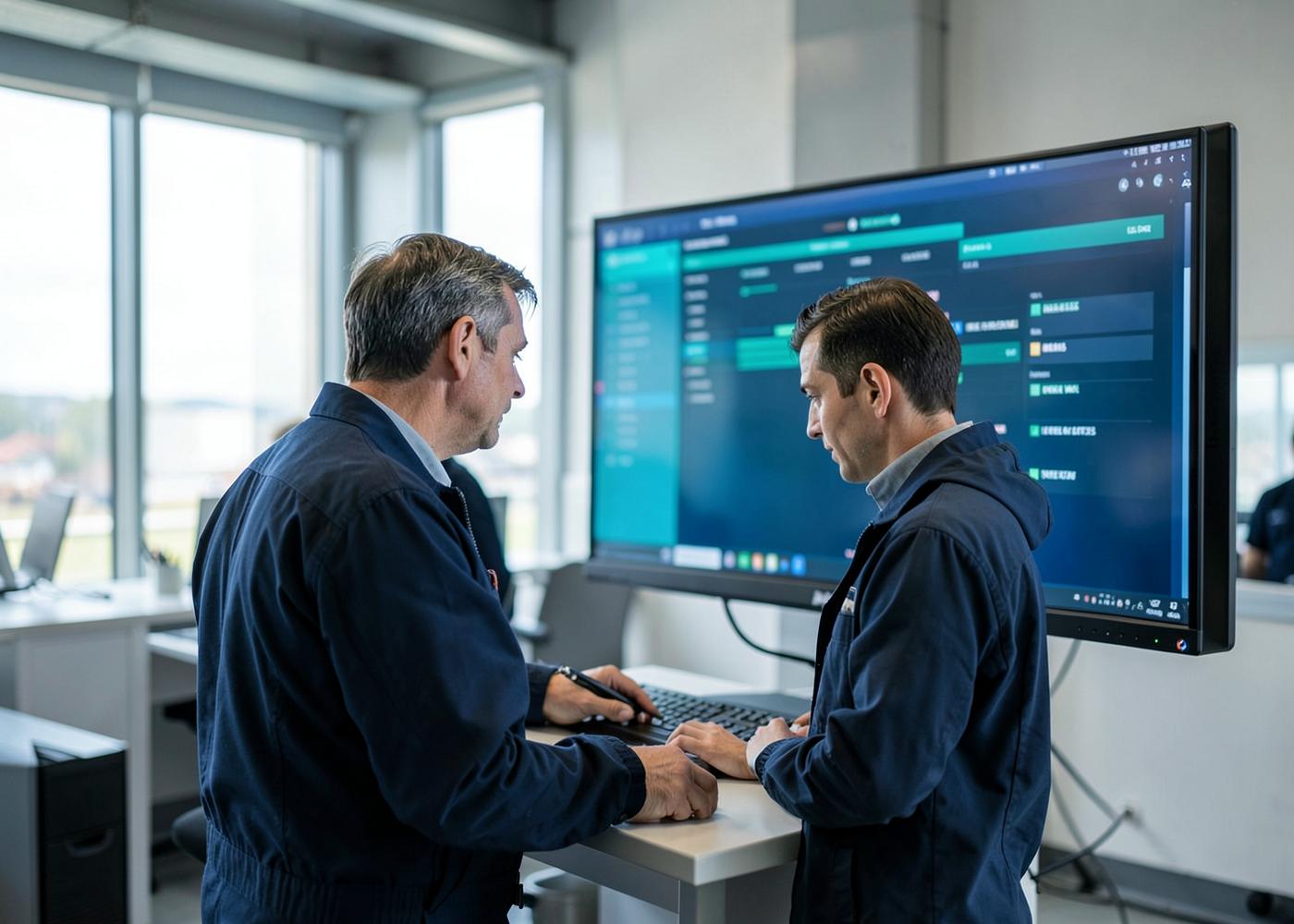
Authorized personnel maintain operational control and determine what action, if any, should follow an AxleSight observation.